
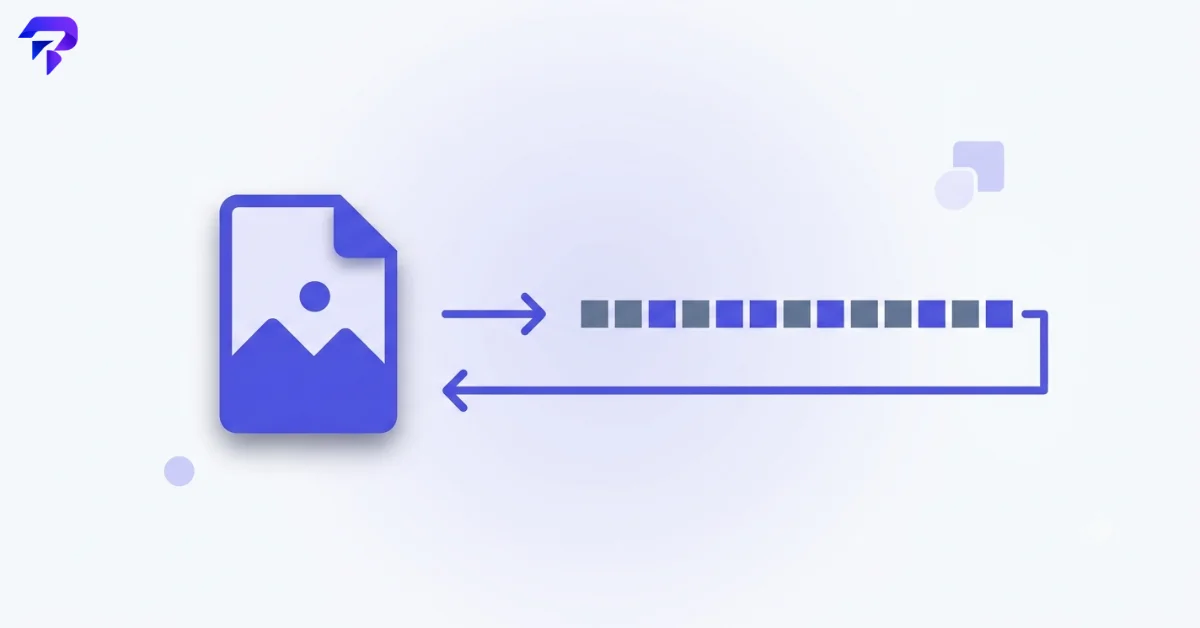
What “encoding” actually means here
It helps to separate two words people often blur together: encoding and encryption.
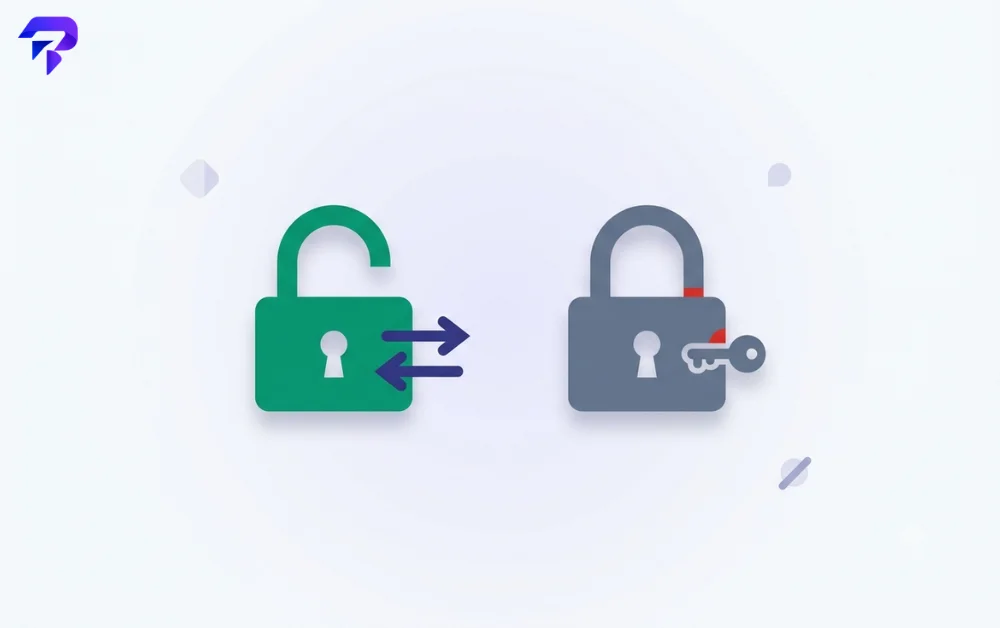
Encoding (what Base64 does) transforms data into a different, standardized representation — with no secret involved. Anyone who knows it’s Base64 can decode it back to the original instantly, using a completely public, standard algorithm.
Encryption transforms data using a secret key, such that only someone with the right key can reverse it. That’s a security mechanism. Base64 is not this — a Base64 string looks cryptic, but decoding it requires no secret at all.
This distinction matters because Base64 is sometimes mistaken for a security measure (since it looks like gibberish), when it’s actually just a formatting step.
Why Base64 exists at all
Computers store everything as binary. Many older systems and protocols, though, were designed around plain text: email, certain web technologies, and various data formats that expect readable characters rather than raw binary.
Base64 solves this by taking binary data and re-representing it using only 64 characters guaranteed to survive being passed through text-based systems intact: A-Z, a-z, 0-9, and two additional symbols (typically + and /) — the exact scheme defined in RFC 4648. The tradeoff is size — Base64-encoded data is roughly 33% larger than the original binary.
How Base64 encoding actually works
The mechanics are simpler than the output looks. Base64 takes your data 3 bytes (24 bits) at a time and regroups those 24 bits into four chunks of 6 bits each. Since 6 bits can represent 64 possible values (2^6 = 64), each chunk maps directly to one character in the 64-character alphabet (A-Z, a-z, 0-9, +, /) — which is exactly where the name comes from.
That’s also why encoded output is about a third larger than the input: 3 bytes of binary become 4 characters of text, a 4:3 size ratio.
When the input isn’t a clean multiple of 3 bytes, Base64 pads the final group with one or two = characters so decoders know exactly how many real bits are left in the last chunk. That’s all the trailing = signs you sometimes see are — padding, not part of the actual data.
Base64 vs. URL encoding
These get confused because both turn data into safe-looking text, but they solve different problems. URL encoding (percent-encoding) escapes specific characters that have special meaning in a URL, like spaces or ampersands, replacing them with a % followed by a hex code. Base64 encoding converts entire binary data into text using a completely different character set.
They can also collide: standard Base64’s + and / characters have their own special meaning inside a URL, which is why a URL-safe Base64 variant exists (also defined in RFC 4648) that swaps + for – and / for _, avoiding the need to percent-encode a Base64 string that’s going into a URL or filename.
Where you’ll actually run into it
- Email attachments are commonly Base64-encoded under the hood, since email protocols historically expected text
- Images embedded directly in HTML or CSS are often Base64-encoded so the image data can live inline as text within the code
- API authentication tokens frequently use Base64 as part of how credentials are formatted for transmission The most common modern example is the JSON Web Token (JWT) used in API authentication — see our breakdown of what a JWT actually is and how its three parts are Base64URL-encoded, not encrypted.
- Data URLs in a browser (long strings starting with data:image/png;base64,) are a direct, visible example of Base64 in everyday web use
How to encode or decode Base64 yourself
Because Base64 conversion is a simple, well-defined transformation, there’s no reason it needs to touch a server at all. ToolPremier’s Base64 Encoder/Decoder runs entirely in your browser — relevant if what you’re encoding or decoding is sensitive, since nothing gets uploaded (see why client-side Base64 conversion never uploads your data). If what you’re encoding is specifically an image, the dedicated Image to Base64 and Base64 to Image converters handle that directly.
FAQ
Is Base64 a form of encryption or security?
No. It’s a reversible, public encoding scheme with no secret key involved — it should never be relied on to protect sensitive data.
Why does Base64-encoded data look so much longer than the original?
Because encoding binary data as text characters is inherently less space-efficient — Base64 adds roughly a third more size.
Can any file be Base64 encoded?
Yes — Base64 works on any binary data, since it operates on the underlying bytes rather than a specific file format.
If I see a long Base64 string, is it safe to decode it?
Decoding Base64 itself is harmless — it’s just a format conversion, not code execution.
What’s the ‘=’ padding at the end of a Base64 string?
It marks that the final group of encoded characters doesn’t represent a full 3 bytes of original data — one = means the last group was 2 bytes, two = means it was 1 byte. Removing valid padding can break decoding.
Why do some Base64 strings use – and _ instead of + and /?
That’s the URL-safe variant of Base64, used when the encoded string needs to be part of a URL or filename, where the standard + and / characters would otherwise need escaping.
The bottom line
Base64 looks intimidating because it resembles a secret code, but it’s closer to a universal translator — a way to make binary data travel safely through systems that only expect text. Once you know it’s not encryption, the cryptic-looking string in front of you is just a file or piece of data waiting to be decoded back to something readable.


