
See also: why this distinction matters for your files.
How a browser-based tool actually works
Modern browsers can run near-native-speed code through a technology called WebAssembly (WASM), alongside standard JavaScript. This is what makes client-side file processing practical for things that used to require a server: image compression, PDF merging and splitting, format conversion, even OCR text extraction.
When you drop a file into a genuinely browser-based tool:
- The file is read locally using the browser’s File API — this reads the bytes directly from your device’s memory, not from a network request.
- Processing happens in JavaScript or WebAssembly, executing entirely within the browser tab’s sandboxed environment.
- The output is generated and offered as a download using an in-browser object URL — again, no network trip required.
The practical result: the “upload” progress bar you’re used to seeing simply doesn’t exist for these tools, because there’s nothing to upload. If you watch your network activity while using one, you’ll see the page load once and then go essentially silent during processing.
How a server-based tool works
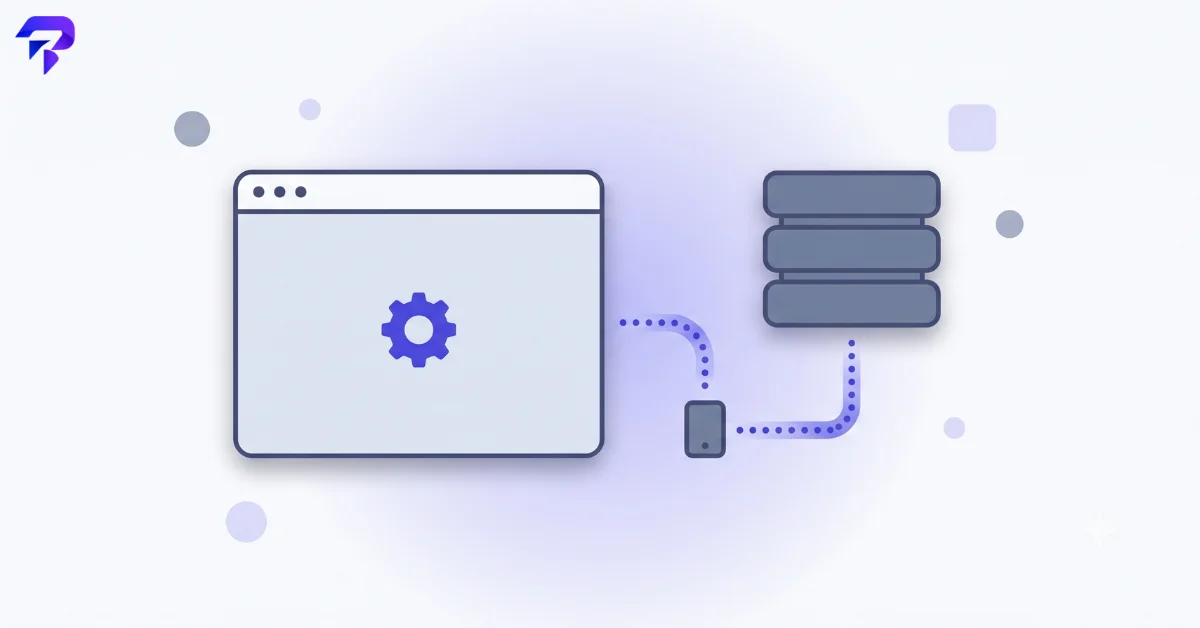
Server-based tools follow the pattern most web software has used for years:
- Your file is uploaded over the network to the provider’s servers.
- Processing happens remotely — often on more powerful infrastructure than a browser has access to, which is why some heavy-duty operations still lean on servers.
- The result is sent back down to your browser for download, and the original file is (ideally) deleted from the server according to the provider’s retention policy.
This isn’t a lesser approach — it’s simply a different one, with a different set of tradeoffs.
Where each approach genuinely wins
Browser-based tools are the better choice when:
- The file is sensitive (contracts, IDs, financial documents, anything with personal data)
- You want speed without waiting on an upload/download round trip
- You’re working with a spotty connection where uploads are slow or unreliable
- The operation is within what a browser can realistically handle (most single-file conversions, compressions, merges, and format changes fall well within this range)
Server-based tools are the better choice when:
- The task genuinely needs more compute than a browser can provide — heavy batch processing across dozens of large files, or advanced AI-assisted operations
- The file format requires server-side libraries with no practical browser equivalent
- You’re processing something low-sensitivity and speed/features matter more than where the file briefly sits
The real limit on browser-based processing: memory, not speed
WebAssembly runs at near-native speed, but it still runs inside the browser tab’s own memory space, and standard (32-bit) WebAssembly caps that space at 4GB — a hard ceiling set by how many distinct memory addresses a 32-bit pointer can represent. For the file sizes most people work with (a scanned PDF, a batch of product photos, a short video clip), that ceiling is irrelevant. It starts to matter with genuinely huge files — a multi-gigabyte video export or a very large uncompressed dataset — where a browser tab can hit that limit while a server, unconstrained by a single tab’s address space, won’t. A newer “memory64” extension to WebAssembly aims to lift this ceiling by using 64-bit pointers instead, though it comes with its own tradeoff: 64-bit pointers roughly double the memory overhead per reference compared to 32-bit ones, so it isn’t a free upgrade — it’s adopted selectively, for the specific workloads that actually need the extra headroom.
“Browser-based” isn’t always all-or-nothing
Not every tool fits neatly into one category. Some genuinely process your file locally but still make small network calls in the background — loading a font, checking for a software update, or sending anonymous usage analytics. None of that touches your file’s content, but it does mean “no network activity at all” isn’t always the right test. A more precise check: watch specifically for a request whose payload size roughly matches your file’s size. A few kilobytes of background traffic while a 40MB file processes is very different from a 40MB upload. Other tools take a hybrid approach on purpose — processing locally by default but offering an optional cloud step (batch processing across many files, or saving a result to an account) that the user has to explicitly choose. That’s a reasonable design as long as it’s opt-in and clearly labeled, rather than a client-side tool quietly falling back to a server for cases its browser-based code doesn’t handle.
A quick way to check which one you’re using
Open your browser’s developer tools (F12 in most browsers), go to the Network tab, and use the tool as normal. If you see a large outbound request carrying your file’s data, it’s server-based. If the network tab stays quiet after the initial page load, it’s processing locally.

FAQ
Is browser-based processing always faster?
For typical single-file tasks, usually yes, because there’s no network round trip. For very large batch operations, a powerful server can sometimes outperform a browser, though the gap has narrowed as WebAssembly performance has improved.
Can a browser-based tool still be insecure in some other way?
In principle yes — a poorly coded tool could have other issues. But the core file-privacy risk, your file sitting on someone else’s server, simply doesn’t apply if it never left your device.
Why don’t all tools just use the browser-based approach?
Some operations genuinely need more processing power or format support than a browser can offer, and it can be more complex to build well.
Does this affect file quality or conversion accuracy?
No — the architecture affects where processing happens, not the quality of the output.
The bottom line
The next time you’re about to convert, compress, or merge a file online, it’s worth knowing which of these two models you’re using — because it tells you exactly where your file goes and for how long. ToolPremier’s image tools and PDF tools are built browser-based specifically so that question has a simple answer: nowhere, for zero time.


