
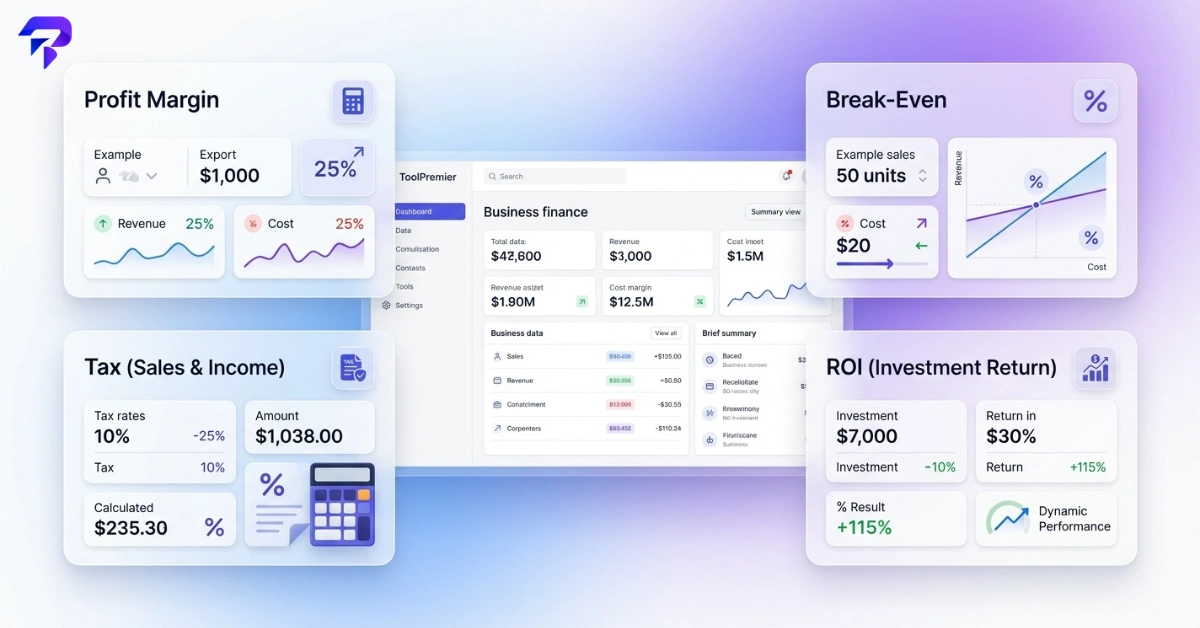
Most small business maths comes down to a handful of recurring questions: what should I charge, when do I break even, how much tax do I add, and is this spend worth it. Each calculator below answers one of those questions. Because they run client-side, the numbers you enter stay on your device.
Which Business Calculator Do You Need?
| The decision you’re making | Calculator |
|---|---|
| What margin does this price give me? | Profit Margin Calculator |
| What are my gross and net margins on sales? | Margin Calculator |
| What’s the sale price after a discount? | Discount Calculator |
| What percentage change is this? | Percentage Calculator |
| How many sales do I need to cover costs? | Break-Even Calculator |
| Is this investment worth it? | ROI Calculator |
| What’s the price before or after tax? | Tax Calculator |
| How much sales tax do I add? | Sales Tax Calculator |
| How much GST is in this price? | GST Calculator |
| How much VAT is in this price? | VAT Calculator |
| I need to bill a client | Invoice Generator |
| What will I actually receive after payment fees? | PayPal Fee Calculator |
| What’s this salary per hour, month or year? | Salary Calculator |
| What does this meeting cost us? | Meeting Cost Calculator |
| What am I paying per ad click? | CPC Calculator |
| What am I paying per 1,000 impressions? | CPM Calculator |
| How much is a customer worth over time? | LTV Calculator |
| What could my site earn from ads? | AdSense Calculator |
| How much equity does this investment cost? | Pre- and Post-Money Valuation Calculator |
| What are earnings per share? | EPS Calculator |
| What’s the monthly repayment on a loan? | Loan EMI Calculator |
| How will savings or debt grow? | Compound Interest Calculator |
Pricing and Profit Calculators
Profit Margin Calculator
Answers: what margin does this price leave me? Margin = (price − cost) ÷ price × 100. A product that costs $60 and sells for $100 has a 40% margin. The Profit Margin Calculator also shows markup and can work backwards from a target margin to the minimum price.
Margin and markup are not the same number: that $60 product has a 40% margin but a 66.7% markup, because markup is measured against cost. Our guide to profit margin vs. markup explains why the percentages differ.
Margin Calculator
Answers: what are my gross and net margins across sales? Gross margin = (revenue − cost of goods) ÷ revenue; net profit subtracts operating expenses too. With $5,000 revenue, $3,000 cost of goods and $1,200 expenses, gross margin is 40% and net profit is $800. Use the Margin Calculator for period-level numbers rather than a single product.
Discount Calculator
Answers: what’s the sale price, and what discount does a price cut represent? Sale price = original × (1 − discount %). An $80 item at 25% off sells for $60. The Discount Calculator also works backwards from original and sale prices to the discount percentage, which is useful before you check the margin a promotion leaves.
Percentage Calculator
Answers: what is X% of Y, and how much did something change? Percentage change = (new − old) ÷ old × 100. Monthly sales rising from 120 to 150 units is a 25% increase. The Percentage Calculator covers increases, decreases and “what percentage of” questions.
Calculating your hourly rate as a freelancer
If you sell time rather than products, start with what the business needs to bring in each year: target income plus business costs (software, insurance, equipment) plus a cushion. Divide by your realistic billable hours, not total working hours, because admin, sales and gaps between projects are unpaid. That gives a baseline rate you can then test with the break-even and tax calculators below.
Cost-plus pricing, and where it falls short
Cost-plus pricing adds a fixed percentage to your cost. It is a reasonable floor, since a price below it is likely a loss, but a poor ceiling, because it ignores what customers will pay and what competitors charge. Use it as your minimum price, then check the margin it produces and compare it with the market.
Break-Even and ROI Calculators
Break-Even Calculator
Answers: how many sales do I need before I stop losing money? Break-even units = fixed costs ÷ (price − variable cost per unit). With $3,000 of monthly fixed costs, a $25 price and $10 of variable cost per unit, you break even at 200 units. The Break-Even Calculator also charts how profit changes at different sales levels.
ROI Calculator
Answers: did this spend pay for itself? ROI = (return − cost) ÷ cost × 100. A $2,000 piece of equipment that generates $2,600 in added profit has a 30% ROI. The ROI Calculator can also annualise the return, which matters when comparing investments held for different lengths of time.
Tax Calculators (Sales Tax, GST, VAT, Tax)
Tax rates depend on your country, region and product category, and they change. These calculators do the arithmetic at whatever rate you enter; they don’t tell you which rate applies to you.
Tax Calculator
Answers: what is this price before or after tax? Price with tax = price × (1 + rate). At 8%, $100 becomes $108, and removing 8% from $108 gives $100 back. The Tax Calculator works in both directions at any rate, and gives estimates only, not filing advice.
Sales Tax Calculator
Answers: how much sales tax goes on this sale? Tax = price × rate. A $250 sale at a 7% rate adds $17.50, for a $267.50 total. The Sales Tax Calculator also extracts the pre-tax price from a tax-inclusive total.
GST Calculator
Answers: how much GST should I add, or how much is already inside a price? Adding: price × (1 + rate). Removing: total ÷ (1 + rate). At 18%, 1,000 becomes 1,180, and 1,180 ÷ 1.18 gives 1,000 back. The GST Calculator shows the base price, GST amount and total.
VAT Calculator
Answers: what are the net, VAT and gross amounts? At a 20% rate, a gross price of 120 contains 100 net and 20 VAT. The VAT Calculator accepts standard or custom rates, so it works for any VAT country.
Invoicing, Payments and Payroll
Invoice Generator
Answers: how do I bill this client properly? The Invoice Generator adds up line items, applies tax and payment terms, and exports a PDF, with no account needed. If you’re deciding between a generator and a spreadsheet template, see free invoice generator vs. template.
PayPal Fee Calculator
Answers: what will I actually receive, and what should I invoice to cover fees? Net = amount − (amount × percentage fee + fixed fee). With an example fee of 3% + $0.30, a $100 payment nets $96.70; to receive a full $100 you’d invoice $103.40. Fees vary by country and transaction type, so enter PayPal’s current rates in the PayPal Fee Calculator.
Salary Calculator
Answers: what is this pay rate per hour, month or year? Annual = hourly rate × hours per week × weeks per year. $25 an hour at 40 hours a week for 52 weeks is $52,000 a year. The Salary Calculator converts between pay periods for hiring or pricing your own time.
Meeting Cost Calculator
Answers: what does this meeting really cost? Cost = attendees × average hourly cost × hours. Six people at an average $50 an hour for 90 minutes cost $450. The Meeting Cost Calculator runs the tally live.
Marketing and Growth Calculators
CPC Calculator
Answers: what am I paying per click? CPC = total ad spend ÷ clicks. $500 for 400 clicks is $1.25 per click. Use the CPC Calculator to compare campaigns or budget for a click target.
CPM Calculator
Answers: what am I paying per 1,000 impressions? CPM = cost ÷ impressions × 1,000. $300 for 120,000 impressions is a $2.50 CPM. The CPM Calculator also solves for total cost or impressions.
LTV Calculator
Answers: how much is a customer worth over the relationship? A simple LTV = average order value × purchases per year × years as a customer. $50 × 4 × 3 = $600. Knowing LTV tells you how much you can sensibly spend to acquire a customer; the LTV Calculator also shows yearly customer value.
AdSense Calculator
Answers: roughly what could my site earn from display ads? Estimated earnings = page views × ad click-through rate × cost per click. Actual earnings vary widely by niche and audience, so treat the AdSense Calculator output as a projection based on your own inputs.
Funding and Valuation
Pre- and Post-Money Valuation Calculator
Answers: how much of the company does this investment buy? Post-money = pre-money + investment; investor share = investment ÷ post-money. A $1M investment at a $4M pre-money valuation gives a $5M post-money valuation and a 20% investor stake. The valuation calculator also shows founder dilution.
EPS Calculator
Answers: how much profit is there per share? EPS = (net income − preferred dividends) ÷ weighted average shares outstanding. $2,000,000 net income, $200,000 preferred dividends and 1,000,000 shares give an EPS of $1.80. Use the EPS Calculator for company or stock research.
Loans and Interest
Loan EMI Calculator
Answers: what’s the monthly repayment on a business loan? EMI = P × r × (1 + r)n / ((1 + r)n − 1). The Loan EMI Calculator shows the EMI, total interest and amortisation schedule. For worked examples, read how to calculate loan EMI.
Compound Interest Calculator
Answers: how will a balance grow over time? A = P × (1 + r/n)nt. $10,000 at 6% compounded monthly for 5 years grows to about $13,488.50. The Compound Interest Calculator shows the year-by-year breakdown.
A Worked Scenario: Pricing a Product From Cost to Profit
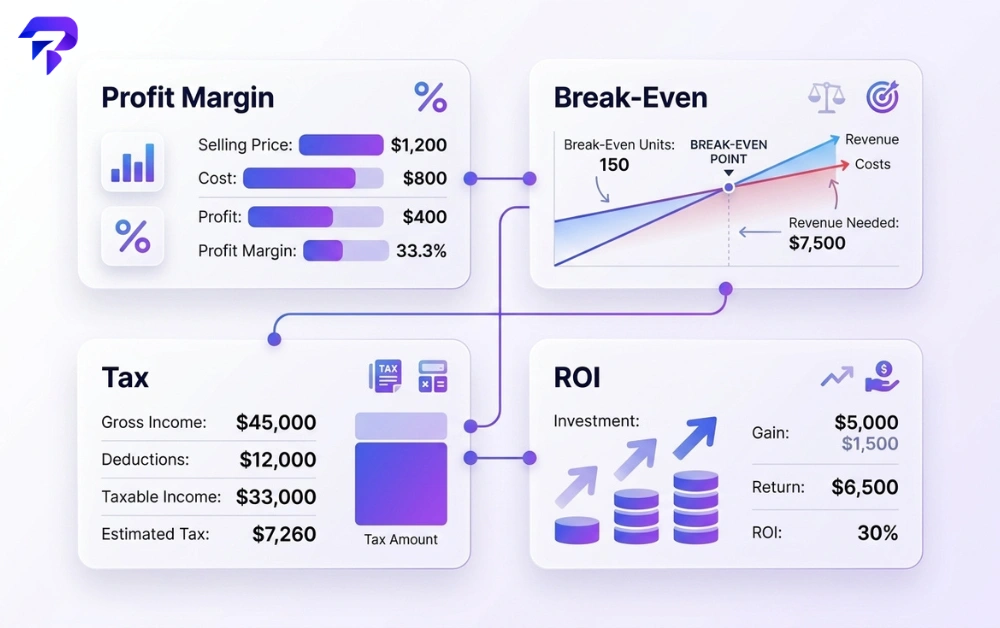
Here is how several calculators combine on one decision, using illustrative numbers. A product costs $12 to make and you want a 40% margin.
- Set the price. Price = cost ÷ (1 − margin) = 12 ÷ 0.6 = $20. The Profit Margin Calculator confirms a 40% margin, which is a 66.7% markup.
- Find break-even. With $2,000 of monthly fixed costs, you need 2,000 ÷ (20 − 12) = 250 units a month to cover costs.
- Test a promotion. A 10% discount brings the price to $18. Margin drops to 33.3%, and break-even rises to 334 units, because each sale now contributes $6 instead of $8.
- Add tax at checkout. Use the Sales Tax, GST or VAT calculator for the rate that applies to you, so tax isn’t mistaken for revenue.
The discount looks small, but it raises the number of sales you need by a third. Running the numbers first shows whether the extra volume is realistic.
Frequently Asked Questions
Is a profit margin calculator the same as a markup calculator?
No. Margin is profit as a percentage of the selling price; markup is profit as a percentage of cost. A $60 item sold for $100 has a 40% margin and a 66.7% markup. The Profit Margin Calculator shows both.
What’s a good profit margin for a small business?
There is no single number. Healthy margins vary widely by industry, business model and cost structure, so compare yourself with businesses like yours rather than a general benchmark, and make sure the margin covers your fixed costs at realistic sales volumes.
Do I need a break-even calculator if my business is already profitable?
Yes, for new decisions. Break-even analysis shows how a price change, discount, new hire or new product line changes the sales you need to stay profitable, before you commit to it.
Can a free tax calculator replace an accountant?
No. These calculators do the arithmetic at the rate you enter. They don’t determine which rates, exemptions or filing rules apply to your business, which is where an accountant or tax adviser is needed.
How is ROI different from profit margin?
Profit margin measures profit relative to revenue on sales. ROI measures the return on a specific investment relative to what it cost. A product can have a healthy margin while a marketing campaign promoting it has a negative ROI.
Do these calculators store my numbers?
No account is needed, and the calculations run in your browser, so the figures you enter are not sent to a server.
The Bottom Line
Choose the calculator by the decision in front of you: margin and discount tools for pricing, break-even and ROI for whether a plan pays off, sales tax, GST or VAT for invoices, and CPC, CPM and LTV for marketing spend. Each one applies a simple, standard formula, so you can check the result yourself, and running a few of them together, as in the pricing scenario above, shows the knock-on effect of one change before you make it.


