
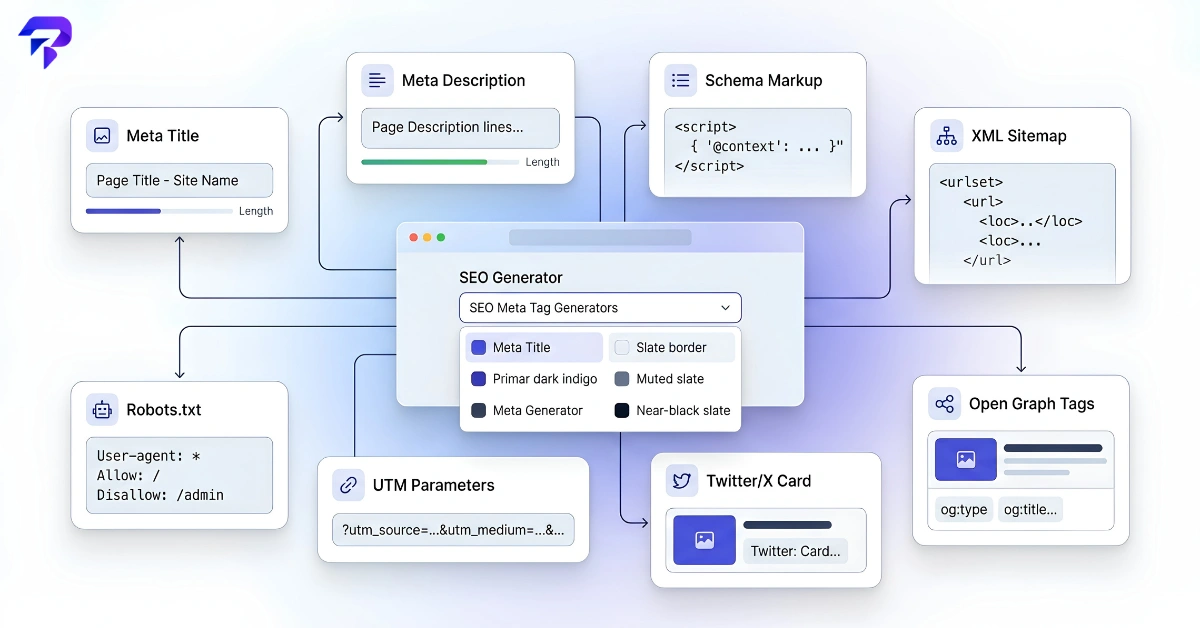
<head>: a title, a meta description, a canonical link, a viewport tag, a charset declaration and (where needed) a robots tag. Pages that get shared or show rich results also need Open Graph, Twitter Card and schema (JSON-LD) markup. You can write them by hand or generate each one free: the Meta Title Generator, Meta Description Generator, Open Graph Generator, Twitter Card Generator and Schema Markup Generator.“Meta tags” is used loosely to mean everything in a page’s head that tells search engines, browsers and social platforms what the page is. Some of these are true <meta> elements; others, like the title and canonical, are separate elements that do a similar job. This guide covers what each one does, which ones matter for search, and how to generate them.
Which Meta Tags Does a Page Actually Need?
| Tag | What it does | Affects search? | Generate it with |
|---|---|---|---|
<title> |
Names the page in browser tabs and is the usual source of the headline in search results. | Yes, a key relevance and click signal. | Meta Title Generator, Title Tag Analyzer |
| Meta description | A short summary that search engines may show as the snippet. | Not a ranking factor, but affects clicks. | Meta Description Generator |
| Robots meta | Tells crawlers whether to index the page and follow its links. | Yes, it controls indexing. | Write by hand (one line) |
| Canonical link | Names the preferred URL when the same content exists at several URLs. | Yes, it consolidates duplicates. | Write by hand (one line) |
| Viewport | Tells mobile browsers how to scale the page. | Indirectly, via mobile usability. | Standard one-line value |
| Charset | Declares the character encoding (use UTF-8). | Indirectly; prevents garbled text. | Standard one-line value |
| Open Graph | Controls the title, image and description on Facebook, LinkedIn, Slack and others. | No, but shapes social clicks. | Open Graph Generator |
| Twitter Card | Controls the link preview on X (Twitter). | No, but shapes social clicks. | Twitter Card Generator |
| Schema (JSON-LD) | Structured data describing the page (article, product, FAQ, etc.). | Can make a page eligible for rich results. | Schema Markup Generator |
Google lists the meta tags it supports, including description, robots, viewport and charset, in its Search Central documentation.
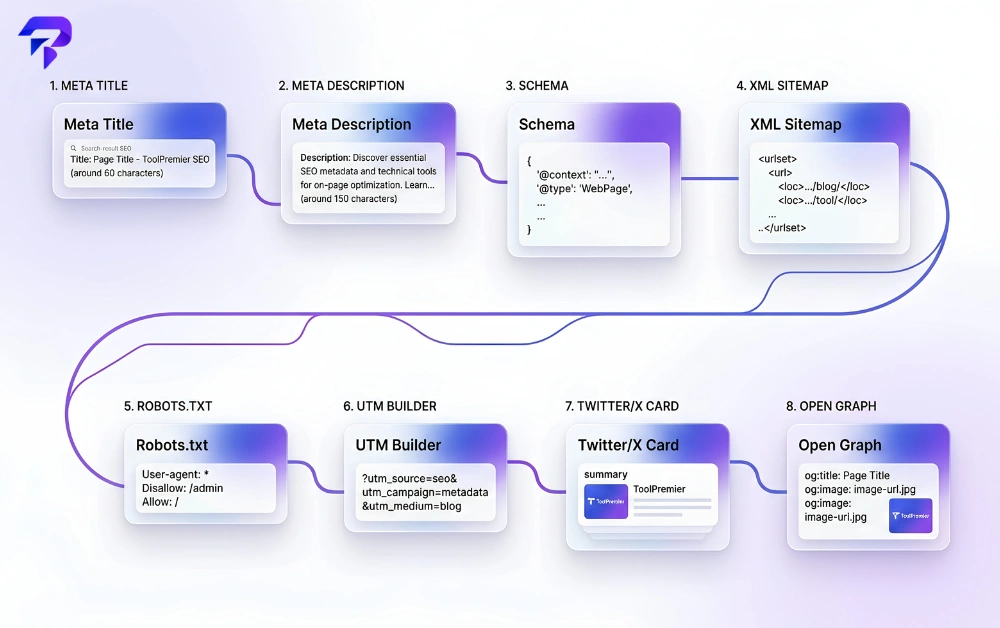
How to Generate Meta Tags Step by Step
Title tag
Write a specific, descriptive title that leads with the page’s main topic, and keep it short enough not to be cut off in results. Truncation is based on pixel width rather than a fixed character count, which is why a preview helps. Generate it: Meta Title Generator, then check an existing title with the Title Tag Analyzer. For what makes a title work, see what makes a good title tag.
Meta description
Summarise what the page delivers and why someone should click, in a sentence or two. Search engines may rewrite it if they find a better match for the query, but a clear, accurate description is still the best default. Generate it: Meta Description Generator.
Robots, canonical, viewport and charset
These four are short, standard lines you rarely need a tool for. Most pages should be indexable, so you only add a robots tag when you want to restrict something, such as noindex on a thank-you page. The canonical should point to the clean, preferred URL of the page itself unless it duplicates another page. Keep the URL itself short and readable; the SEO-friendly URL checker and our guide to URL slug best practices cover that.
Social tags (Open Graph and Twitter Card)
Without these, platforms guess at your title and image, often badly. Set at least og:title, og:description, og:image, og:url and og:type, plus twitter:card. Generate them: Open Graph Generator and Twitter Card Generator.
Structured data (schema)
JSON-LD sits in a <script> block and describes the page in a format search engines can parse. Pick the type that matches the content and only mark up what is visible on the page. Generate it: Schema Markup Generator.
Two related files often get grouped with meta tags but are site-level, not page-level: robots.txt, which you can build with the Robots.txt Generator, and the XML sitemap, which the XML Sitemap Generator creates.
A Complete Meta Tag Example
Here is one annotated <head> block for a blog post, with every tag from the table above:
<head>
  <!-- Character encoding: first, so the rest is read correctly -->
  <meta charset="UTF-8">
  <!-- Mobile scaling -->
  <meta name="viewport" content="width=device-width, initial-scale=1">
  <!-- Title: the search result headline -->
  <title>How to Brew Pour-Over Coffee | Example Blog</title>
  <!-- Description: the likely search snippet -->
  <meta name="description" content="A step-by-step pour-over guide with ratios, grind size and timing.">
  <!-- Robots: optional; this is the default behaviour -->
  <meta name="robots" content="index, follow">
  <!-- Canonical: the preferred URL -->
  <link rel="canonical" href="https://example.com/pour-over-coffee/">
  <!-- Open Graph: social previews -->
  <meta property="og:type" content="article">
  <meta property="og:title" content="How to Brew Pour-Over Coffee">
  <meta property="og:description" content="Ratios, grind size and timing, step by step.">
  <meta property="og:image" content="https://example.com/images/pour-over.jpg">
  <meta property="og:url" content="https://example.com/pour-over-coffee/">
  <!-- Twitter Card: X previews -->
  <meta name="twitter:card" content="summary_large_image">
  <!-- Structured data -->
  <script type="application/ld+json">
  {"@context": "https://schema.org", "@type": "Article",
   "headline": "How to Brew Pour-Over Coffee"}
  </script>
</head>
If you use WordPress with an SEO plugin, most of these are output for you from the fields you fill in, so check the page source before adding duplicates by hand.
Meta Tags Google Ignores
The best-known one is meta keywords. Google’s documentation states that “the meta-keyword tag is not used by Google Search, and it has no effect on indexing and ranking at all” (Google Search Central). Adding it does no harm, but it does nothing for Google rankings and can reveal your target terms to competitors. Your effort is better spent on the title, description and content.
Common Meta Tag Mistakes
- Duplicate titles and descriptions across many pages, which makes them hard to tell apart in results.
- Titles that are too long and get cut off before the important words.
- A leftover
noindexfrom a staging site that keeps a live page out of search. - Canonicals pointing to the wrong URL, such as the homepage or a redirected address.
- Missing or tiny
og:image, which produces blank or poor social previews. - Schema that describes content not on the page, such as FAQ markup with no visible FAQ.
- Two plugins outputting the same tags, giving search engines conflicting signals.
Frequently Asked Questions
Do meta tags directly improve rankings?
Some do and some don’t. The title tag is an important relevance signal, and robots and canonical tags control what gets indexed. The meta description doesn’t affect rankings but influences clicks, and social tags only affect how links look when shared.
Do I still need a meta keywords tag?
Not for Google. Google states the meta keywords tag is not used by Google Search and has no effect on indexing or ranking. It’s safe to leave it out.
How long should a title tag and meta description be?
Search engines truncate by pixel width, not a fixed character count, so there is no exact limit. Keep titles short enough that the main topic appears in full, and keep descriptions to a sentence or two. A generator with a live preview shows where the cut-off will fall.
Do I need both Open Graph and Twitter Card tags?
Open Graph covers most platforms, and X (Twitter) can fall back to Open Graph values for several fields. Adding twitter:card lets you choose the preview format, such as a large image, so most sites include both.
Can I use a free meta tag generator if I’m not a developer?
Yes. You fill in plain fields and copy the generated HTML into your page’s head or your CMS’s SEO settings. The ToolPremier generators run in your browser, so nothing you type is uploaded.
The Bottom Line
A page needs a clear title, an accurate meta description, a canonical, viewport and charset tags, and a robots tag only where you want to restrict indexing. Add Open Graph, Twitter Card and schema markup for pages that are shared or eligible for rich results, skip meta keywords, and check the page source for duplicates. Generate each tag with the matching free tool, starting with the Meta Title Generator.


