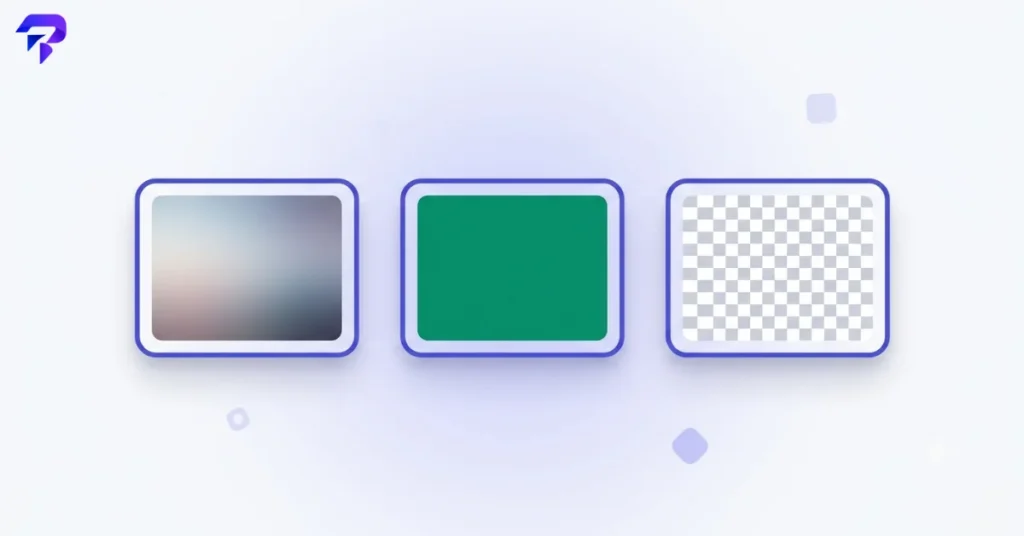
What actually makes these formats different
JPG (JPEG) uses lossy compression, which means it throws away some image data to shrink file size — data chosen specifically because it’s the least noticeable to the human eye in photographic images. This makes JPG excellent for photos and poor for flat graphics or text (compression artifacts show up clearly as blurring or “ringing” around sharp edges).
PNG uses lossless compression — no image data is discarded, so what you save is pixel-for-pixel identical to the original. It also supports transparency (an alpha channel), which JPG does not. The tradeoff is file size: a photograph saved as PNG is typically far larger than the same photo saved as JPG.
WebP is a newer format built to solve exactly this tradeoff. It supports both lossy and lossless compression in one format, generally produces smaller files than JPG at equivalent visual quality, and supports transparency like PNG. Browser support is now near-universal, which is why WebP has become the default recommendation for web use in most cases.
Quick decision guide
| Use case | Best format | Why |
|---|---|---|
| Photograph for a website | WebP (JPG as fallback) | Smallest file size at good visual quality |
| Logo or icon with transparency | PNG or WebP | Both support transparency; WebP is usually smaller |
| Screenshot with text | PNG | Lossless — text stays perfectly sharp |
| Image for email attachment | JPG | Broadest compatibility, small size for photos |
| Graphic with flat colors | PNG or WebP | Lossless compression handles flat color well without artifacts |
| Animated image | WebP or GIF | WebP supports animation with far better compression than GIF |
When WebP isn’t the automatic answer
WebP is the strongest general-purpose choice for the web today, but there are still legitimate reasons to reach for JPG or PNG specifically:
- Very old software or legacy systems that don’t support WebP
- A workflow or platform that explicitly requires JPG or PNG
- Sharing raw files with someone else’s editing pipeline that expects a specific universal format
Converting between formats without losing what matters
If you’re not sure which format a file should end up in, the safest approach is to convert from a lossless source when possible (PNG or a RAW photo) rather than repeatedly re-saving a JPG, since each JPG re-save compounds lossy compression artifacts. ToolPremier’s Universal Image Converter, along with dedicated PNG to WebP, JPG to WebP, and WebP to PNG tools, handle these conversions directly in your browser — useful if the images include anything you’d rather not upload to a server, per how browser-based processing works.

FAQ
Does converting a JPG to WebP improve its quality?
No — converting doesn’t restore data that’s already been discarded by prior JPG compression.
Is PNG always “better quality” than JPG?
Only in the lossless sense. For photographs, that accuracy comes at a major file-size cost that’s rarely visually justified.
Should I use WebP for every image on my site?
For most photos and graphics, yes — it’s the strongest default in 2026. Keep an eye on any specific compatibility requirement your platform or audience might have.
Why do screenshots look bad as JPG?
Screenshots often contain sharp text edges and flat color blocks — exactly the content type JPG’s lossy compression handles worst.
The bottom line
There’s no single “best” image format — the right choice depends on whether you’re dealing with a photograph, a graphic with transparency, or something that needs to stay perfectly crisp. WebP has become the strongest general-purpose default for web use, but knowing why JPG and PNG still have their place means you’ll pick correctly instead of guessing.