Why the restaurant menu became the default example
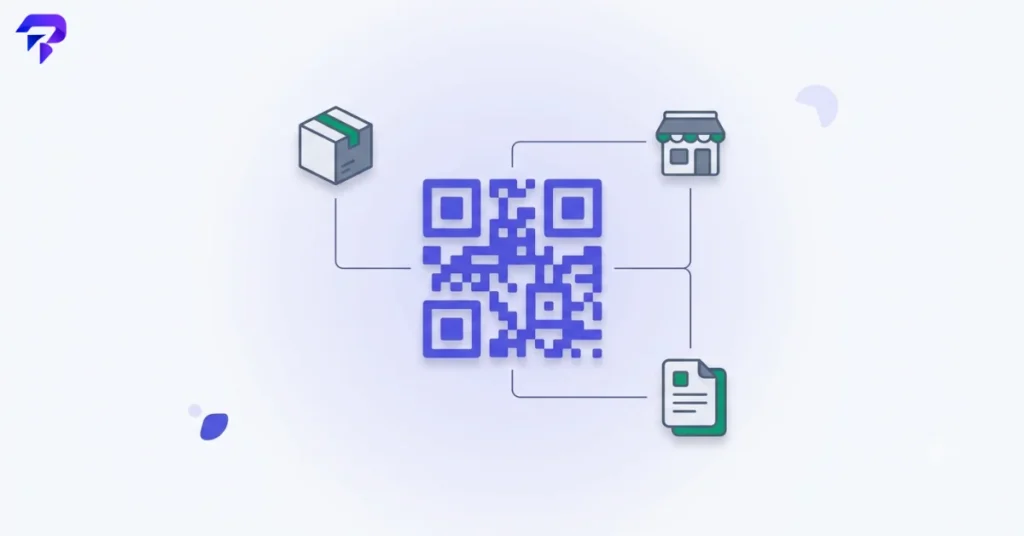
QR-code menus became ubiquitous during a period when contactless interaction was suddenly a priority, and the use case stuck because it’s convenient — no app, no printed reprint costs when prices change, works on any phone camera. But that widespread, singular example has crowded out a lot of other business applications that are arguably more valuable, because they solve less obvious but equally real problems.
Practical uses that actually save time or reduce friction
Equipment and product manuals
Instead of a business printing (and losing) physical manuals, a QR code on the equipment itself links directly to the current digital manual — which can be updated without reprinting anything physically attached to inventory already in the field.
Inventory and asset tracking
A QR code on a shelf, box, or piece of equipment can link to or trigger a lookup for that specific item’s tracking record — faster and less error-prone than manually typing an ID number into a system.
Packaging authenticity and care instructions
Product packaging that links to authentication information (useful for higher-value goods where counterfeiting is a concern) or detailed care/usage instructions that would clutter a physical label.
Event and appointment check-in
A QR code sent with a confirmation email or ticket speeds up check-in versus manually looking up a name, and gives an organizer clean, timestamped attendance data.
Print-to-digital marketing with tracking
A QR code on a flyer, business card, or storefront window can link to a landing page — and because the destination URL can be swapped without reprinting the physical material, a business can update a promotion without new print costs, while getting scan-count data the printed piece alone couldn’t provide.
Contactless payment or tip links
Particularly useful for service businesses, pop-ups, and events where a physical card reader isn’t practical — a QR code linking directly to a payment page removes a step compared to directing someone to search for a business online.
What makes a QR code use case actually good (vs. just trendy)
A useful test before adding a QR code to anything: does it remove a genuine step for the person scanning it, or does it just add an extra tap to something they could have done more directly? A QR code linking straight to a specific, relevant page (a manual, a menu, a check-in form) passes this test. A QR code linking to a generic homepage — making the user navigate further once they’ve scanned — usually doesn’t, and creates friction instead of removing it.
Generating a QR code for any of these
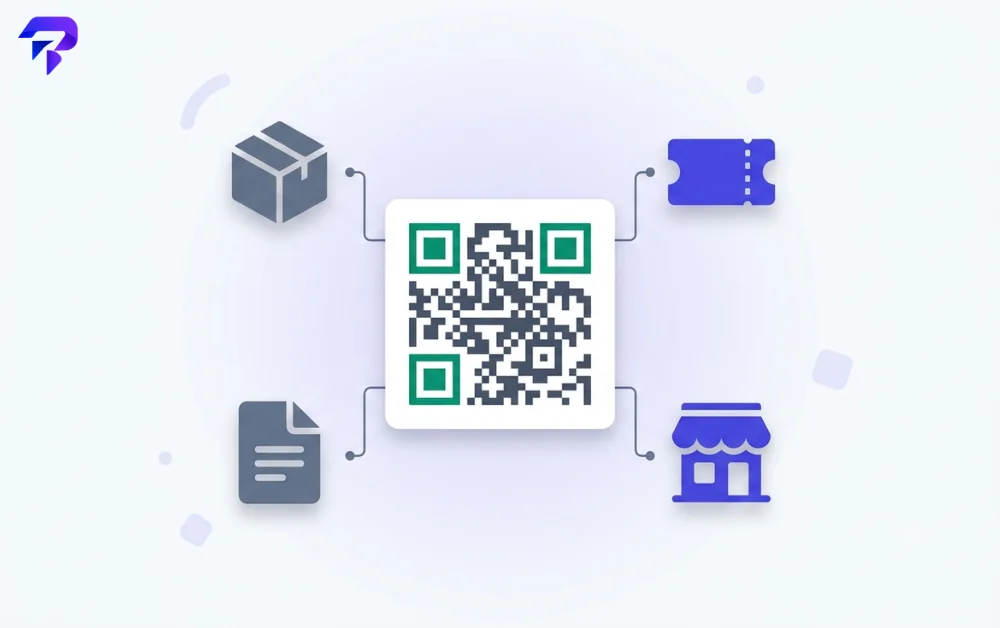
Whatever the destination — a URL, a contact card, payment info, or plain text — a QR code generator turns it into a scannable code instantly. Doing this in your browser means the data you’re encoding (which can include business or customer information) never has to be sent to a server just to generate an image.
FAQ
Do QR codes expire?
The QR code image itself doesn’t expire, but if it links to a URL and that URL is later taken down or changed without redirection, the code becomes useless. Using a link you control and can update is safer for anything printed and hard to replace physically.
Can QR codes be used for something other than links?
Yes — QR codes can encode plain text, contact card information (vCards), Wi-Fi network credentials, or payment details directly, not just a web URL.
Are QR codes still relevant, or has the trend faded?
The novelty phase has passed, but the underlying utility — bridging a physical object to digital information instantly — hasn’t gone anywhere. The use cases that remain relevant now are the ones solving a genuine friction point, not the ones riding a moment.
Is it risky to scan a QR code from an unfamiliar source?
Yes, in the same way clicking an unfamiliar link is — a QR code can point anywhere, including a malicious site. Only scan codes from sources you trust, and check the destination URL before entering any sensitive information on a page you land on.
The bottom line
The restaurant menu made QR codes familiar, but the genuinely useful applications for a business are the ones that quietly remove friction elsewhere — inventory, manuals, check-in, print marketing with real tracking. The question worth asking before adding one anywhere: does this save an actual step, or just exist because QR codes are expected now.